# When to put a picture inside your CSS, and when not to
An image written into a stylesheet arrives with it: no second request, no waiting. It also stops being a file — so it cannot be cached on its own, and it is downloaded again every time anything around it changes. This is where that trade is worth making, and where it quietly is not.
[Open the Image to Data URI](https://abox.tools/image-to-data-uri/): The whole picture as one line of text. Paste it straight into CSS or HTML.
Last updated 26 August 2026
## The short answer
Open [Image to Data URI](https://abox.tools/image-to-data-uri/), drop the picture in, choose *A CSS custom property*, and paste the line into the top of your stylesheet. Then use it as `background-image: var(--logo)` wherever you need it.
Do that when the picture is small — an icon, a bullet, a chevron, a pattern — and it is needed on every page. Do not do it with a photograph. Everything below is why those two sentences differ, and how to tell which one you are looking at.
## What a data URI actually is
An address that contains the thing instead of pointing at it. Where a stylesheet would normally say
```
background-image: url("logo.png");
```
and the browser goes and fetches `logo.png`, a data URI says
```
background-image: url("data:image/png;base64,iVBORw0KGgoAAAANSUhEUg...");
```
and there is nothing to fetch: the picture is already there, written out in characters. There are three parts. `data:` is the scheme. `image/png` is the media type, and the browser believes it completely — more on that below. Everything after the comma is the file.
That is the whole idea. It is not a trick or a hack; it has been in the standards since 1998 and works in every browser that has shipped since.
## What it buys you: one fewer round trip
The saving is not bandwidth. It is the request.
A browser cannot ask for `logo.png` until it has read the stylesheet that mentions it, and it cannot read the stylesheet until it has fetched that. So an ordinary background image is at least two round trips deep in the page load, and on a phone on a slow network a round trip can be a couple of hundred milliseconds regardless of how small the file is. A 600-byte chevron costs almost nothing to transfer and can still cost a quarter of a second to arrive.
Inlined, it arrives with the stylesheet. That is the entire benefit, and for a small icon that appears above the fold it is a real one.
## What it costs: a third, and then the caching
**Base64 adds about a third.** Three bytes of file become four characters, because that is what it takes to write arbitrary bytes using only the characters a URL permits. There is no clever encoder that avoids it. A 9 KB PNG is 12 KB of stylesheet.
**Compression does not give it back.** This is the part people assume away. Gzip and Brotli work by finding redundancy, and a PNG, a JPEG and a WebP have already been compressed — there is very little redundancy left in them, and base64 does not add any. In practice you get back something like a tenth of the third, not the whole of it. (An SVG is the opposite case, and the next section is about that.)
**It stops being a file.** This is the cost that does not show up in any measurement you are likely to take, and it is the one that matters at size:
- **It cannot be cached on its own.** An ordinary image is fetched once and reused for a year. An inlined one is part of the stylesheet, so it lives and dies by the stylesheet's cache entry.
- **Changing anything re-downloads everything.** Fix a margin, ship a new stylesheet, and every visitor downloads the inlined picture again along with it — a picture that has not changed in two years.
- **It is on the critical path.** A stylesheet blocks rendering. An image does not. Inlining a picture moves it from the second category into the first: the page cannot paint until the whole thing, picture included, has arrived.
- **It cannot be fetched in parallel.** Browsers download many things at once. An inlined picture is not a separate thing, so it gets none of that.
Rough thresholds, which are where the advice changes rather than where a browser does anything different: under about 2 KB it is a clear win; up to about 10 KB it is usually still worth it for something on every page; past 50 KB it is a mistake with no error message. [The tool](https://abox.tools/image-to-data-uri/) tells you which band each result lands in, with the character count next to it.
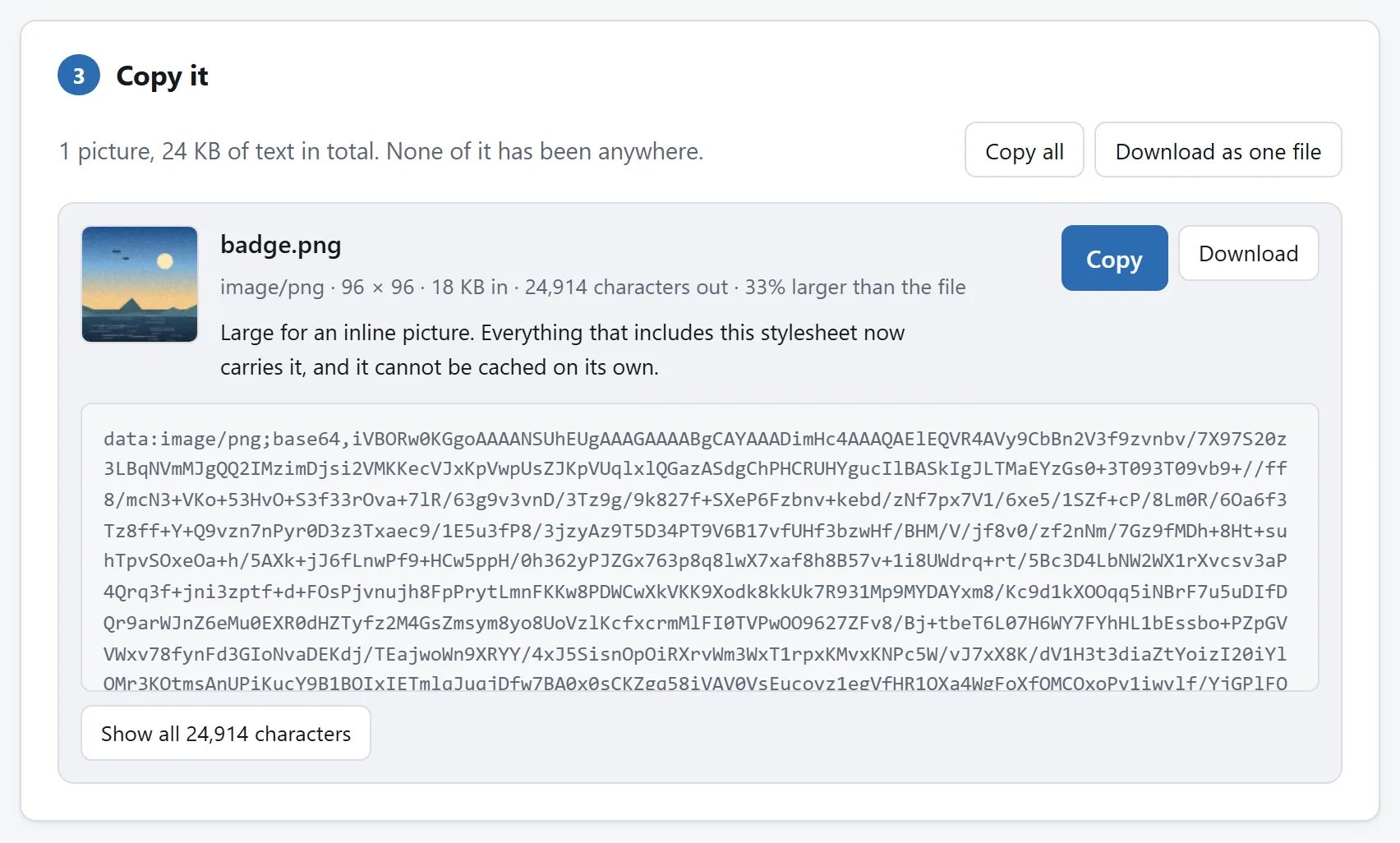
The encoded copy is about a third larger than the file it came from. That is the cost this section is about, and it is printed here rather than left to be discovered.
## Never base64 an SVG
This is the single most common mistake in inlined images, and it is made by exporters and build plugins as often as by people.
An SVG is text. A URL carries text already. Only a handful of characters have to be escaped — `%`, `#`, `<`, `>` and the quote you wrapped it in — and everything else can be left exactly as it is. Encoding it that way gives you a URI that is typically about a fifth shorter than the base64 of the same file, and that compresses like text afterwards rather than like noise.
It is also still readable:
```
background-image: url("data:image/svg+xml,%3Csvg xmlns='http://www.w3.org/2000/svg' viewBox='0 0 24 24'%3E...");
```
You can see the `viewBox`. You can change the fill colour in your editor without decoding anything. Base64 the same file and it becomes a wall of letters that nobody will ever touch again. [Image to Data URI](https://abox.tools/image-to-data-uri/) does this automatically for anything that turns out to be an SVG, and has a checkbox for the rare toolchain that insists on `;base64`.
## The quoting mistake that only breaks SVGs
CSS lets you write `url()` without quotes, and for an ordinary file name that is fine:
```
background-image: url(logo.png);
```
Do the same with a percent-encoded SVG and it breaks. An unquoted `url()` token ends at the first space, parenthesis, quote or control character — and an SVG is full of spaces, between every attribute and every number in a path. The declaration is then invalid, CSS discards invalid declarations silently, and you get no background and no error.
The fix is quotes, every time:
```
background-image: url("data:image/svg+xml,%3Csvg ... %3E");
```
That is also why an encoder does not need to escape spaces — they are perfectly legal inside a quoted URL, and escaping each one as `%20` would cost three characters for every space in the file. The two decisions go together: quote the URI, and you can leave the spaces alone. Every shape the tool produces is quoted for exactly this reason.
## The media type has to be right
A data URI declares its own type, and the browser takes it at its word. There is no sniffing fallback the way there is for a fetched file: say `image/png` about something that is really a JPEG and the picture does not render, with no message anywhere useful.
Which matters because file extensions lie. A photo exported as a JPEG and renamed `logo.png` is an ordinary thing to find on a disk. The first few bytes of an image file, on the other hand, say what it is unambiguously — every format has a signature — so a tool should read the file rather than its name. The one here does, and tells you when the two disagree.
Two formats are worth knowing about because they fail in a confusing way. **HEIC**, which is what an iPhone photographs in, and **TIFF**, which is what scanners produce, both make perfectly valid data URIs that no browser except Safari will draw. The URI is not broken; the format is simply not one the web supports. Convert first.
## The metadata you did not mean to publish
A data URI is a copy of the file, byte for byte. Nothing is decoded and re-encoded, which is usually the point — no quality is lost — but it also means everything else in the file comes along.
A photograph straight off a phone carries EXIF: the GPS coordinates where it was taken, the timestamp, the camera model and often its serial number. That can be 30 KB of the file. Inlined, it becomes 40 KB of base64 in your stylesheet, on the critical path of every page — and a home address committed to a repository, in a form nobody will ever think to look at.
Strip it first with the [EXIF Viewer & Remover](https://abox.tools/exif-editor/), which rewrites the container without touching the picture; there is a [guide to that](https://abox.tools/guides/remove-exif-and-gps-data/) too. Image to Data URI reads how much metadata is in a JPEG, PNG or WebP and says so before you copy anything.
## Where to put it, once you have it
If the picture appears in one rule, put the URI in that rule. If it appears in more than one — and icons usually do, once you count the hover state and the dark theme — declare it once as a custom property:
```
:root {
--icon-search: url("data:image/svg+xml,%3Csvg ... %3E");
}
.search-field { background-image: var(--icon-search); }
.search-button::before { content: var(--icon-search); }
```
A 3 KB URI pasted into four rules is 12 KB of stylesheet and four places to edit when the icon changes. The custom property is one of each. It is also the shape that makes theming work: redefine `--icon-search` inside a media query and every use of it follows.
For an `` tag rather than CSS, include `width` and `height`. An inlined image loads instantly, so a missing size is a layout shift that happens too fast to see and still counts against you. The exception is SVG: one that carries only a `viewBox` has no pixel size of its own, and writing the browser’s 300×150 default onto the tag pins a scalable picture at a size nobody chose.
Leave the `alt` empty unless you have something true to put in it. Only you know whether the picture carries meaning or is decoration, and a description guessed from a file name is worse for somebody using a screen reader than no description at all.
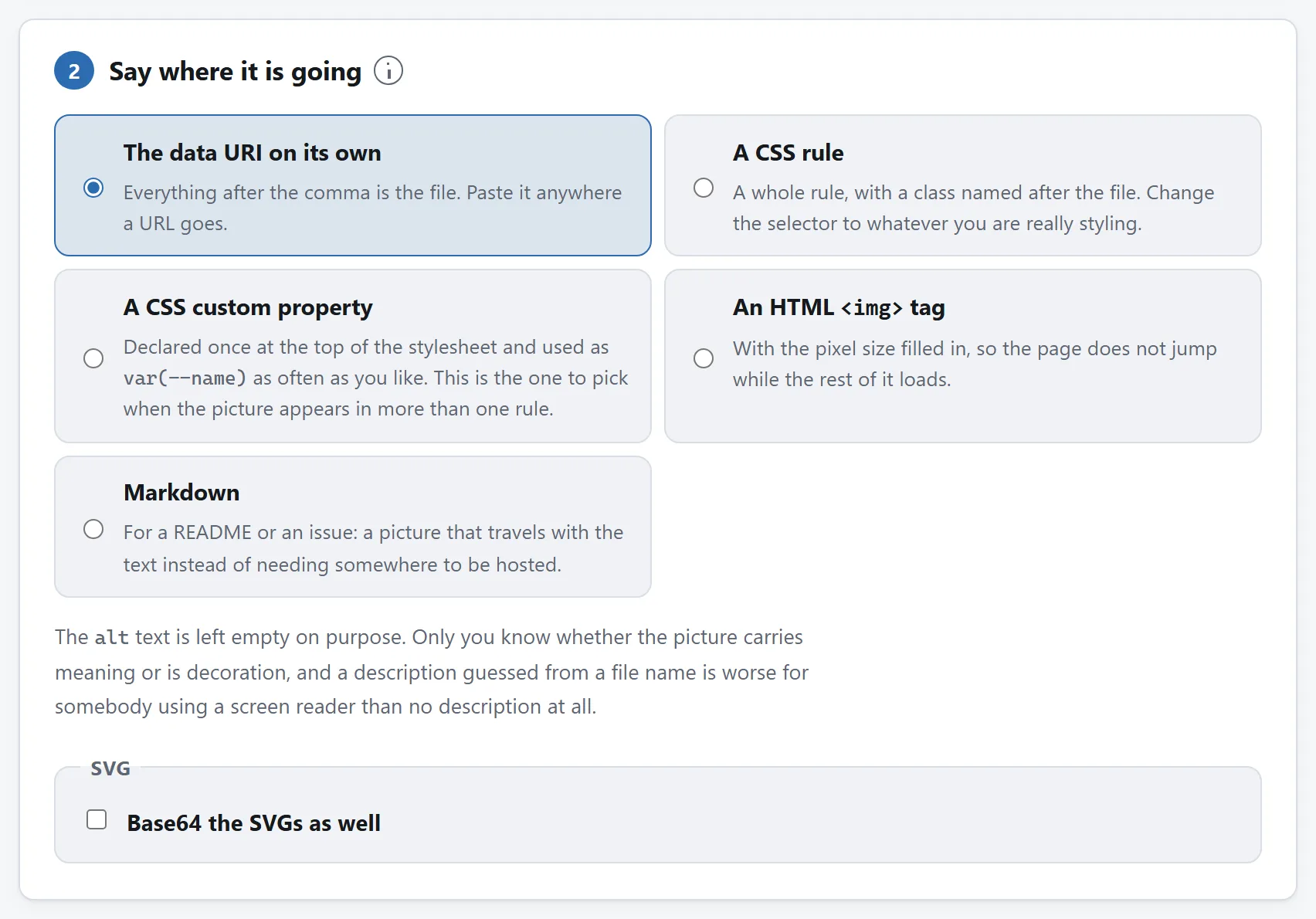
Where it is going decides what comes out, so it is asked first rather than left as a copy-and-paste exercise.
## When the answer is “don’t”
If the picture is over about 50 KB encoded, inlining is the wrong tool and no amount of care with the encoding fixes it. The alternatives, in the order worth trying:
- **Make it smaller.** Most images that are too big to inline are too big generally. The [Image Compressor](https://abox.tools/compress-image/) will take a photograph to a size you name, and the [Image Resizer](https://abox.tools/resize-image/) will cut the pixel dimensions down to what the layout actually uses — which is very often the real problem.
- **Redraw it as an SVG.** An icon exported as a 40 KB PNG is frequently a 900-byte SVG. That is not a compression difference, it is a format difference, and it also solves the retina problem.
- **Leave it as a file and preload it.** `` starts the fetch immediately without moving the bytes onto the critical path. It gets most of the benefit of inlining and none of the caching cost.
## None of this needs an upload
Encoding a file as base64 is arithmetic. It is two functions the browser has had since the beginning — `btoa` and `encodeURIComponent` — and there is no technical reason whatsoever for a picture to travel to a server and back in order to be written down differently. Any converter that uploads your file to do this is uploading it for its own reasons, not for yours.
[The tool here](https://abox.tools/image-to-data-uri/) does not send it anywhere: the page's `Content-Security-Policy` names every address it may contact, and none of them belongs to this site. Load the page, unplug from the internet, and encode something anyway if you would rather check than be told. [Is it safe to upload files to online converters?](https://abox.tools/guides/is-it-safe-to-upload-files/) sets out three more checks you can run on any tool.