The short answer
- Cut. Open the Audio Trimmer, drop the memo in, and mark the parts worth keeping with I and O as it plays. The waveform shows the silences and the false starts as flat stretches, so most of the cutting happens by eye. Export one file.
- Lift. Take that file to the Audio Editor and normalise — the level rises to just under full scale, the most a recording can be without clipping. Export, and send that.
The trip between the two needs no download: once the trimmer has exported, a row under its download button offers to carry the result straight into the editor, and the memo arrives there already loaded.
Both steps run on your own machine. A voice memo is about as personal as a file gets, and the usual "enhance audio online" sites take a copy of it as the price of the slider.

Why cut before lifting
Because normalising reads the whole file to find its loudest moment, and in a raw memo the loudest moment is often the thing you are about to delete — the thump of the phone going down, the cough before the second take. Normalise first and that spike sets the ceiling, so the voice comes out as quiet as it went in. Cut the junk away and the loudest thing left is the voice itself, which is what the headroom should be spent on.
The trimmer cuts on the exact sample and fades each join by a few milliseconds, so a cut in the middle of room tone cannot click. Joins only — the untouched audio between them is copied, not re-encoded.
What the editor will and will not fix
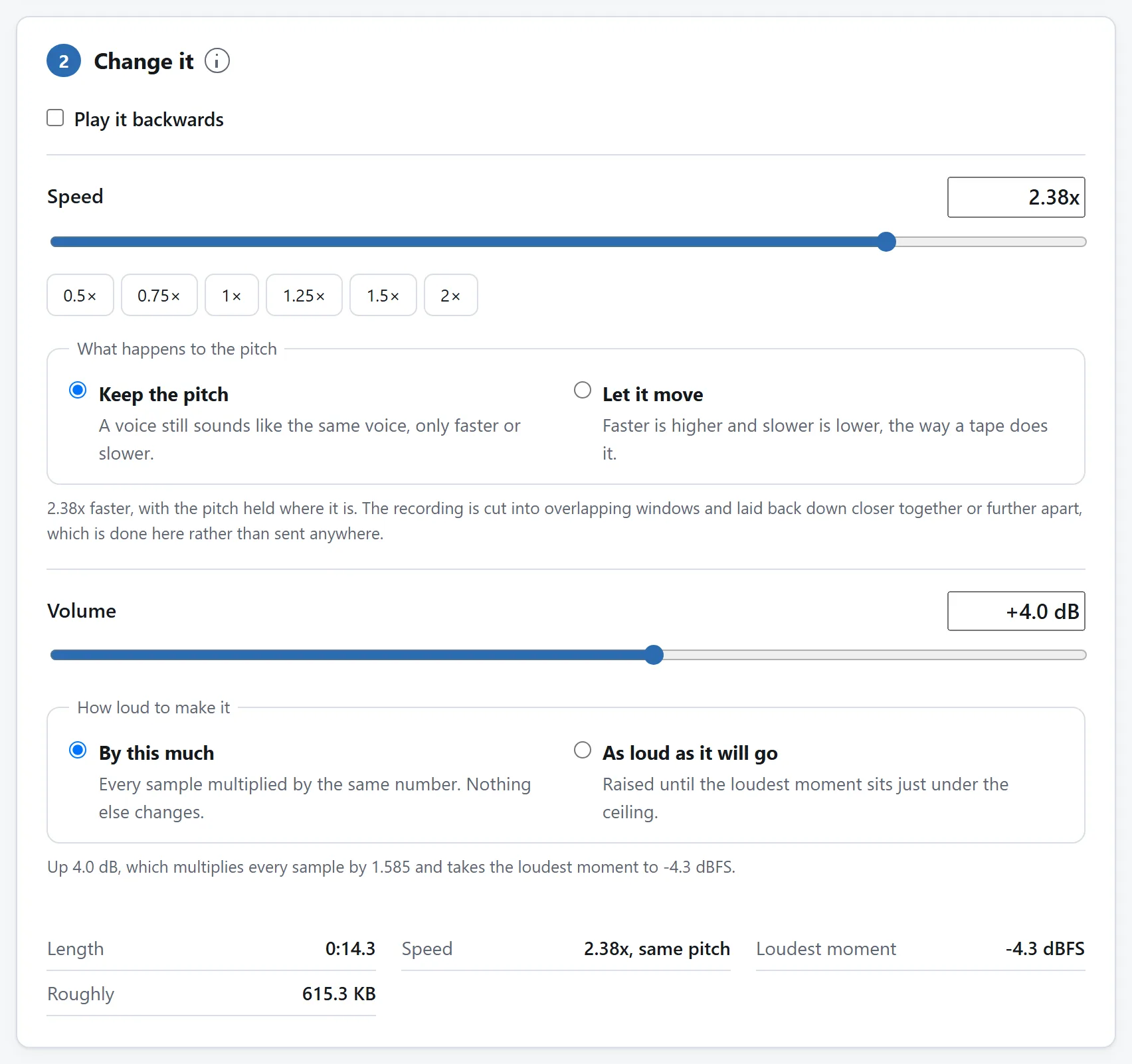
Normalising fixes quiet. It does not fix noisy: the level of the air conditioner rises with the level of the voice, because it is one recording and they are in it together. What keeps a memo intelligible is mostly the cutting — dead air is where noise gets heard on its own — plus the speed control for the listener's sake: 1.25× with the pitch kept is the podcast trick, and it works as well on a rambling memo.
The editor writes WAV — exact samples, no encoder in the loop — so the file is bigger than the compressed original. For a memo measured in minutes that is a fair price for never stacking a second lossy encode on top of the phone's first one; whatever messenger sends it will compress it once more anyway, and that should be the only time.
The same chain, longer recordings
An interview, a lecture, a meeting — the chain is the same, the trimming just earns more. Mark the questions that matter, drop the rest, and the marks themselves can be saved as a plain text file and reloaded, which turns a long cleanup into something you can put down and pick back up. For audio living inside a video, the editor also takes the track out of an MP4 or MOV without touching the picture — the first step of turning a recorded call into something listenable on a commute.
If you do this every week
Cut and lift live on two pages on purpose — each does one job, and each can prove on its own that the recording never left your machine. But both are open source: MIT-licensed, one folder per tool, dependency-free ES modules whose READMEs explain the sample-exact cuts and the WAV writer.
If memos land on you daily, point a coding agent at the repository and ask it for a one-page version: waveform, marks, normalise on export. The modules were written to be read, and lifting them is what the licence is for.